
How To Create A System Restore Point In Windows 8
Here is a short tutorial on how to create a system restore point in Windows 8. Check out this tutorial and get your PC back to a stable state when needed.
Read moreHere are Windows 8 Tutorials

Here is a short tutorial on how to create a system restore point in Windows 8. Check out this tutorial and get your PC back to a stable state when needed.
Read more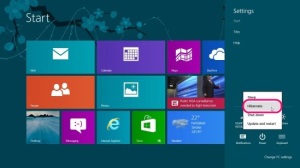
Here is a short tutorial on how to hibernate Windows 8. Follow this simple tutorial to easily enable Hibernate on your Windows 8 PC.
Read more
Here is a short tutorial on how to Shutdown Windows 8 using Power button. Follow this simple tutorial and Shutdown Windows 8 with ease of a button press!!
Read more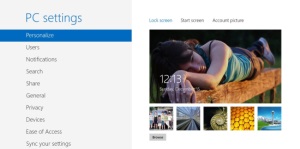
Here is a short tutorial on how to change Windows 8 lock screen background. Have a look and get ready to customize your lock screen now!!
Read more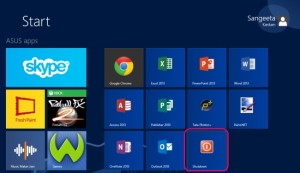
Here is a small tutorial on how to add a Shutdown button to the Windows 8 Start Screen. Checkout this simple trick and make shutting down Windows 8 easy.
Read more
This a simple but very handy Windows 8 tutorial on “How to regain forgotten Windows 8 picture password”.
Read more
Here are 2 websites to download Windows 8 wallpapers both official and unofficial to keep your Windows 8 desktop fresh and lively everyday.
Read more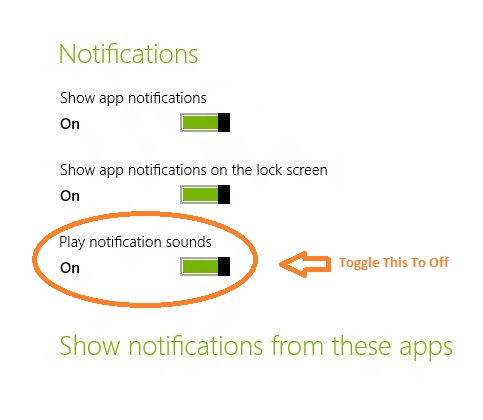
If you are watching a movie or doing some work, it can be quite annoying.Here is a tutorial on how to turn off notification sound in Windows 8.
Read more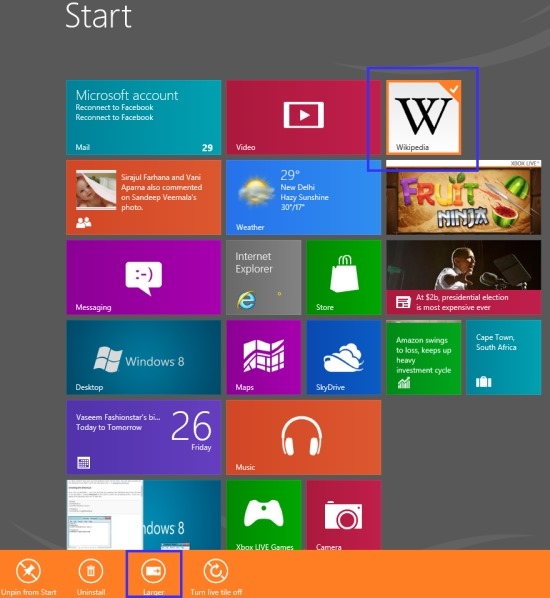
To make more rooms for apps, you can make the size of the tiles smaller. Here is a tutorial on how to make Windows 8 tiles smaller in size.
Read more
Here is a short Windows 8 tutorial about How To Enable Balloon Notification In Windows 8. Read the entire post.
Read more